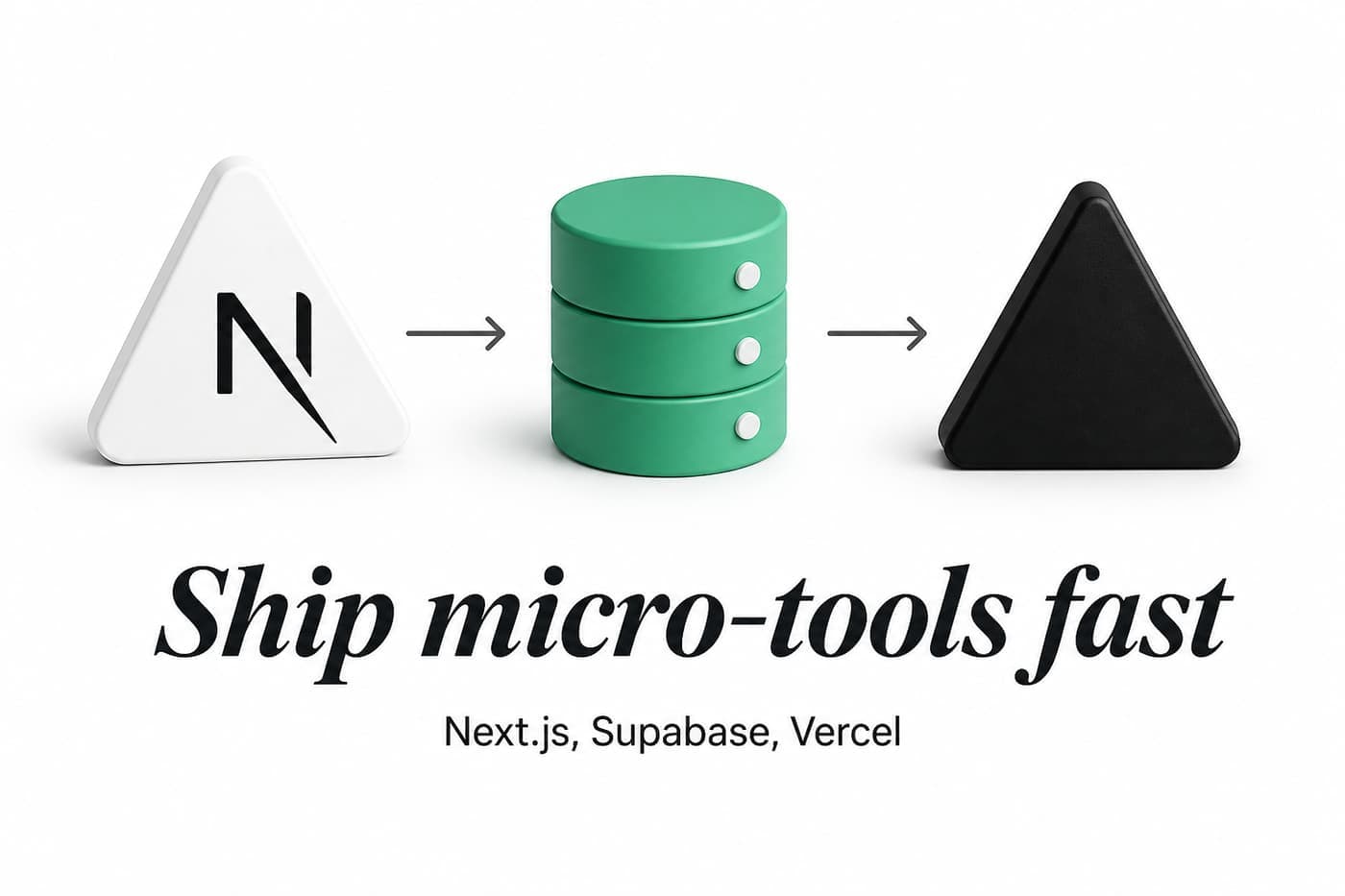
Most side projects die from stack churn, not missing features.
You spend a week picking a CMS, another week wiring auth you do not need yet, and then you never ship the one page that answers the question. I keep coming back to the same three names: Next.js on Vercel, with Supabase when something has to be written after deploy. The read path is often not a database at all.
This is the architecture I reuse for directories, lookup tools, and small utilities. The dataset playbook is the product loop: source, clean, pages, ship. This page is the plumbing.
01 Edge
Next.js + Vercel
App Router pages, ISR, OG routes, sitemaps. Ship on git push. No server you SSH into.
02 Read path
JSON or Supabase
Processed files in the repo for directories under ~50k rows. Postgres when reads need filters you cannot bake.
03 Write path
Supabase
Forms, auth, saved rows, lead capture. Server Actions or Route Handlers. RLS on by default.
04 Ops
Analytics + email
Seline or similar, ImprovMX for hello@, Search Console the week you deploy. Boring and early.
What counts as a micro-tool
A micro-tool is a site with one job, a handful of routes, and no reason to buy a SaaS boilerplate.
Examples in my world:
- A directory that turns a public file into pages (
/agent/{id},/aed/{id}) - A converter that transforms an input and stops (resize a PFP, map a color)
- A local lookup with a form that saves a lead (tree removal quote, clinic finder)
It is not a multi-tenant SaaS with teams, Stripe, and a customer portal. If you need that, read the boilerplate comparison and come back when billing is the product.
Micro-tools still need SEO, fast first paint, and honest data. They do not need Kubernetes.
The four layers I copy every time
Edge: Next.js on Vercel
Next.js 16 App Router is the default. File-based routes, generateMetadata, opengraph-image.tsx, sitemap.ts, Server Components for static shells, client components only where the browser must interact.
Vercel is the deploy button. Push to main, preview URLs on branches, edge network, env vars per environment. I do not run a VPS for tools that read JSON and render HTML.
The pattern on every new repo:
app/
  layout.tsx          # fonts, analytics script, global chrome
  page.tsx            # the one job, above the fold
  [slug]/page.tsx     # programmatic pages when needed
  sitemap.ts          # discovery file, day one
  robots.ts
  api/og/route.tsx    # optional dynamic OG for share cards
lib/
  data/               # processed JSON or Supabase clients
scripts/
  ingest.ts           # fetch, normalize, write JSON (directories)
public/
  data/               # search indexes the browser can fetch
Ship the tree before you polish the hero. A live URL with one working route beats a perfect Figma file.
Read path: JSON first, Supabase when reads need live filters
For public datasets under roughly 50,000 rows, I ship processed JSON in the repo.
That sounds unsophisticated until you deploy twice in one week. The ingest script writes data/agents.json. The build reads the same bytes every time. Search can load /data/search-index.json into MiniSearch. ISR revalidates pages on a timer. No connection pool, no cold Postgres, no "works on my machine" schema drift.
Both public directory case studies use this read model:
- AEDLocator.sg: 9,644 devices, 24-hour ISR, partial
generateStaticParams - AgentLookup.sg: 38,232 profiles, 7-day ISR, client search index
I add Supabase Postgres on the read path when:
- Rows change between deploys and users expect near-live data
- You need server-side filters you cannot precompute (admin dashboards, faceted search at scale)
- Multiple apps write the same table
Until one of those is true, JSON is faster to ship and easier to debug.
Public dataset directory
JSON in repo
Weekly ingest, reproducible deploys, instant search in the browser. No DB bill on read. See the playbook case studies.
Lead form or waitlist
Supabase table
You need inserts from strangers. A JSON file in git is the wrong write model.
User accounts
Supabase Auth
Login, row ownership, RLS. Do not build auth for a side tool unless the tool requires it.
Live admin edits
Supabase + dashboard
When non-engineers must fix rows between ingests. Directories usually ingest instead.
Write path: Supabase for anything a user submits
If a stranger fills a form and you need the row tomorrow, use a database.
Supabase gives you Postgres, Auth, Row Level Security, and a dashboard non-engineers can peek at. For micro-tools I usually touch:
- Tables for leads, feedback, waitlists
- Auth only when accounts are the product (saved lists, pro tier)
- RLS so anon can insert a lead but not read everyone else's
Minimal server client for a Route Handler or Server Action:
import { createServerClient } from '@supabase/ssr';
import { cookies } from 'next/headers';

export async function createClient() {
  const cookieStore = await cookies();

  return createServerClient(
    process.env.NEXT_PUBLIC_SUPABASE_URL!,
    process.env.NEXT_PUBLIC_SUPABASE_ANON_KEY!,
    {
      cookies: {
        getAll: () => cookieStore.getAll(),
        setAll: (cookiesToSet) => {
          cookiesToSet.forEach(({ name, value, options }) =>
            cookieStore.set(name, value, options),
          );
        },
      },
    },
  );
}
Insert from a Server Action:
'use server';

import { createClient } from '@/lib/supabase/server';

export async function submitLead(formData: FormData) {
  const supabase = await createClient();

  const { error } = await supabase.from('leads').insert({
    email: formData.get('email'),
    zip: formData.get('zip'),
    source: 'homepage',
  });

  if (error) throw error;
}
Turn on RLS. Write a policy that allows insert for anon on leads and denies select. Do not ship a public table with RLS off because the tutorial skipped that sentence.
Service-role keys stay on the ingest worker or a cron route, never in client bundles.
Ops: analytics, email, Search Console
Boring ops early:
- Analytics (I use Seline) on every deploy
- Custom domain email via ImprovMX when the tool has a brand
- Search Console the same week the sitemap goes up
Monetization comes after traffic. The funnel is in DR vs traffic vs revenue and the ad network comparison. None of that blocks v1.
ISR and partial prebuild (the deploy speed trick)
Full static generation of 38,000 profile pages makes every deploy a coffee break. Users only hit a slice of URLs. Google discovers the rest over time.
Pattern I repeat:
export const revalidate = 604800; // 7 days

export async function generateStaticParams() {
  const agents = await getTopAgents(500); // prebuild hubs + popular rows only
  return agents.map((a) => ({ slug: a.slug }));
}

export default async function AgentPage({
  params,
}: {
  params: Promise<{ slug: string }>;
}) {
  const { slug } = await params;
  const agent = await getAgent(slug);
  if (!agent) notFound();
  return <Profile agent={agent} />;
}
First visitor to a long-tail slug triggers one on-demand render. ISR caches it. Prebuild the hubs, letter indexes, and top traffic URLs. Let the tail fill in.
AEDLocator uses 24-hour revalidation because the source file updates weekly and emergency-adjacent copy should not sit stale for a month. AgentLookup uses 7 days because CEA register changes are slower than deploy cadence. Match the interval to how often you re-ingest, not to a round number from a blog post.
Sitemaps and OG routes are not optional extras
A micro-tool with 500 programmatic URLs and no sitemap is hoping Google tripping over internal links is a strategy.
Use app/sitemap.ts or segmented app/**/sitemap.ts files. Split before 50,000 URLs per file. Patterns and examples are in the App Router sitemap guide.
Share cards are part of the product for directories. Property research and AED preparedness both get sent in WhatsApp. next/og or a dedicated /api/og route generates honest images: name, ID, date range, no fake badges. Generate on demand for long tails so next build does not mint 38,000 PNGs.
Weekly ingest without a runtime database
Directories run on a script, not a cron inside the app.
import { writeFileSync } from 'node:fs';

const raw = await fetch(process.env.DATA_URL!).then((r) => r.json());

const rows = raw.features
  .map(normalizeRow)
  .filter((row) => row.id && row.lat && row.lng);

writeFileSync('data/aeds.json', JSON.stringify(rows, null, 0));
writeFileSync(
  'data/search-index.json',
  JSON.stringify(buildIndex(rows)),
);
console.log(`Wrote ${rows.length} rows`);
Run locally or in GitHub Actions. Commit the JSON or attach it as a build artifact. Deploy. The site and the data move together. Publish the sync date on every page that depends on the file.
When row count or update frequency outgrows git, move ingest to write Supabase instead of JSON, keep the same page templates, and swap getAgent() from file read to SQL. The URL structure should not change because the storage did.
What I deliberately skip
SaaS boilerplates for read-only directories. No Stripe webhooks for a free SCDF lookup.
A CMS for v1. MDX in the repo or plain TSX pages until non-engineers need to edit weekly.
MapLibre on every page. Maps load in an island when the route needs one. The rest of the page should not pay for WebGL.
Docker on a VPS unless Vercel limits block you (long-running jobs, weird binary deps). Most micro-tools are request/response HTML.
Premature Supabase on the read path. If you have not written the ingest script yet, Postgres will not save you.
When this stack is the wrong choice
- Heavy ML or ffmpeg on every request: batch offline, store outputs, serve URLs
- Sub-100ms search at millions of rows: dedicated search (Typesense, Algolia), not MiniSearch over JSON
- Real-time multiplayer: look at Supabase Realtime or a game server, not ISR pages
- Mobile-first offline: this is a web stack
FAQ
Do I need Supabase for a Next.js micro-tool?
No. You need it when users write data (forms, accounts, saved state). Public directories that refresh weekly can stay on JSON until volume or live edits force Postgres.
Why Vercel instead of self-hosting?
Preview deploys, zero server admin, and App Router support without me maintaining nginx. Trade-off is cost at scale and function timeouts. Micro-tools rarely hit that wall before they earn enough to reconsider.
Next.js vs a static Astro site?
Astro is excellent for content sites. I stay on Next when I need dynamic OG routes, Server Actions, ISR, and one codebase for marketing plus programmatic pages. Yuurrific itself is Next plus content collections.
How do I add auth without a boilerplate?
Supabase Auth plus @supabase/ssr cookie helpers. Protect routes in middleware or server layouts. Only add login when the tool fails without it.
Where does Tailwind fit?
Tailwind CSS 4 on every new project. Utility-first matches solo speed. Semantic tokens (bg-paper, text-ink) keep directories visually consistent across products.
What to do next
Clone the folder tree above into an empty repo. Ship one route that answers one sentence. Add sitemap.ts and Search Console before you add Supabase.
If the job is a public dataset, read the playbook and one case study (AEDLocator or AgentLookup). If the job takes user input, create one Supabase table with RLS and wire a Server Action.
Stack decisions are boring on purpose. Boring stacks ship.