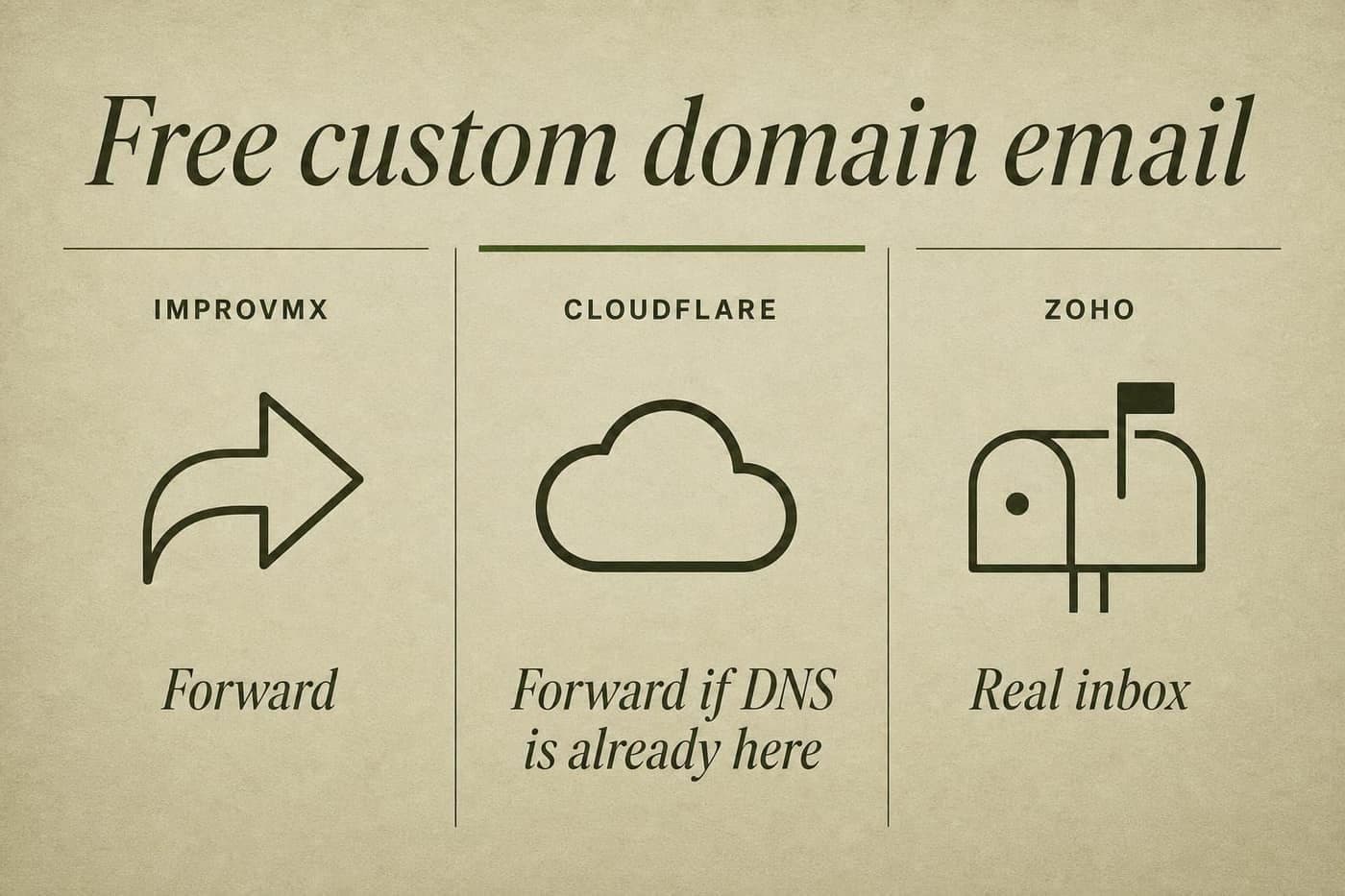
hello@yourdomain.com does not require Google Workspace. It requires you to pick forwarding or a mailbox.
Most "free custom domain email" pages mix those jobs. ImprovMX and Cloudflare Email Routing forward mail into an inbox you already have. Zoho Mail Forever Free is an actual inbox. I use forwarding on every side project. I would not use it for a family of five who each need their own Sent folder.
| Job | ImprovMX FreeForwarding | Cloudflare Email RoutingForwarding | Zoho Mail Forever FreeMailbox |
|---|---|---|---|
| Cost | $0 | $0 on the Free plan | $0, in data centers that still offer it |
| Real inbox | No. Mail lands in an inbox you already have. | No. Same model as ImprovMX. | Yes. 5 GB per user. |
| Send as the domain | No SMTP. Gmail “Send as” is a workaround. | Routing does not send. Email Sending is a separate product. | Yes, from the Zoho web app and Zoho’s mobile app |
| DNS | Any registrar | Domain must live on Cloudflare DNS | Point MX at Zoho. Any registrar. |
| Domains / aliases | 1 domain, 25 aliases | 200 rules and 200 destinations per account | 1 custom domain |
| Volume | 500 forwarded / day | No published daily forward cap | Normal personal mail. 25–30 MB attachments. |
| People | Aliases can fan out to more than one destination | One destination per rule unless you write a Worker | Up to 5 users |
| Catch-all | Yes | Yes | Not the point. Each person gets an inbox. |
| IMAP / clients | N/A. There is no mailbox. | N/A. There is no mailbox. | No IMAP, POP, or ActiveSync on free |
Custom domain email is two jobs: receive and send
Receive is easy. Point MX at a forwarder, create hello@, land it in Gmail. That is what I do after buying a domain, right after Search Console.
Send is the part people skip, then notice when a customer never sees the reply.
Forwarding services do not give you a mailbox. Replies come from Gmail (or whatever you forwarded to) unless you add SMTP. ImprovMX SMTP is paid. Cloudflare Email Routing does not send; Cloudflare Email Sending is a different product aimed at transactional mail from Workers. Zoho free can send, from Zoho's web app and Zoho's mobile app only.
If you only need people to reach you at the domain, forwarding is the whole product. If you need to write back as the domain, with mail that survives Yahoo and Outlook, you want SMTP or a mailbox.
ImprovMX: forwarding that does not care who hosts your DNS
ImprovMX has been forwarding mail since 2013. Free in 2026 is 1 domain, 25 aliases, 500 forwards/day, no SMTP. I wrote the setup, SPF traps, and the daily-cap bounce in the ImprovMX free plan guide.
Why I still pick it for new projects:
- The domain can stay at Namecheap, Porkbun, or wherever I bought it. I do not move nameservers for email.
- One alias can go to more than one destination. Cloudflare's default rule cannot.
- No destination-verification email blocking the first alias. You type Gmail, you add MX, you test.
The cost of that convenience is the cap. One domain. 500/day. No sending until Light at $50/year (5 domains, 25 SMTP/day) or Premium at $9/month.
ImprovMX links on this page are affiliate links.
Cloudflare Email Routing: free if the domain already lives there
Cloudflare Email Routing is inbound forwarding on the Free plan. Limits are generous: 200 routing rules and 200 destination addresses per account. Catch-all exists. Plus-addressing exists. There is no published daily forward cap like ImprovMX's 500.
The constraints that matter in practice:
- The domain has to be on Cloudflare DNS. If it is not, you are moving nameservers for email.
- Each routing rule maps one pattern to one destination or one Worker. Fan-out to two inboxes means writing a Worker and verifying every destination first.
- Destinations must be verified. Until you click the link Cloudflare sent to Gmail, the rule stays disabled.
- Routing does not send or reply as the custom address. Reply from Gmail and the customer sees Gmail.
If the site is already on Cloudflare, Routing is the least extra accounts. I would not migrate a registrar-only domain onto Cloudflare just to avoid ImprovMX.
Cloudflare Email Sending (Workers Paid, transactional) is not a replacement for "I want to reply as hello@ from Gmail." Do not buy that product for support mail.
Zoho Mail Forever Free: an actual inbox, with a regional asterisk
Zoho Mail's Forever Free plan is the only option on this page that hosts mail. Up to 5 users, one custom domain, 5 GB per user. No ads. You send from the domain because Zoho is the mailbox.
The limits that knock people off it:
- No IMAP, POP, or ActiveSync on free. Outlook, Apple Mail, Thunderbird, and the Gmail app are out. Browser plus Zoho's own mobile app.
- Select data centers. Zoho says the free plan is not offered everywhere. If signup only shows paid editions, you are in one of those regions. Do not invent a workaround. Pay, or go back to forwarding.
- One domain. Five people. That is a household or a tiny founding team, not an alias farm.
I would use Zoho when each person needs their own archive and Sent folder. I would not use it as a Gmail skin. You will hate the client lock-in by week two if you live in Gmail's keyboard shortcuts.
Which one I pick
Portfolio or personal brand
ImprovMX Free
One domain, a handful of aliases, mail already lives in Gmail. Pay nothing until you outgrow one domain.
One-person SaaS
ImprovMX Free, then Light
Receive on hello@ for free. Move to Light ($50/year) the week you need SMTP without the Gmail “via” tag.
Family domain or tiny team
Zoho Forever Free
Five real inboxes beat five aliases dumped into one Gmail. Confirm the free plan exists in your Zoho data center first.
Portfolio. ImprovMX free. One domain, hello plus a catch-all, Gmail as the real inbox. I already have the muscle memory.
One-person SaaS. Still ImprovMX free on day one. The week I need mail to send as the product domain without a "via Gmail" badge, I pay Light. If support is going to be a second human, I would rather open Zoho than share a forwarded Gmail.
Family domain. Zoho, if the free plan exists in that region. Five mailboxes. Do not dump four relatives into one Gmail via aliases and call it done.
Already on Cloudflare, many parked domains. Cloudflare Routing. I would not pay ImprovMX Premium just to keep DNS where it already is not.
Never mix MX providers on the same domain. ImprovMX, Cloudflare Routing, and Zoho all want to be the MX. Pick one.
What I would not do
I would not start a side project on Google Workspace. $6/user/month is fine when there is a company. It is a tax on a domain you have not launched.
I would not trust Gmail "Send as" for anything a stranger has to receive. ImprovMX documents that Yahoo may reject it. SMTP or Zoho.
I would not use Cloudflare Routing as a "send as" solution. It is not one.
I would not pick Zoho free if I need IMAP. The comparison table on Zoho's pricing page is easy to skim past. The missing IMAP row is the product.
FAQ
Can I get a free email address with my custom domain?
Yes. Forward with ImprovMX or Cloudflare Email Routing, or host a mailbox on Zoho Mail Forever Free where that plan is offered. You still pay for the domain itself.
What is the difference between ImprovMX and Cloudflare Email Routing?
Both forward inbound mail. ImprovMX works with any DNS host and lets one alias hit multiple destinations. Cloudflare needs Cloudflare DNS, verifies destinations, and maps one rule to one destination unless you write a Worker. Cloudflare has no 500/day forward cap. ImprovMX free has no requirement to move nameservers.
Is Zoho Mail still free in 2026?
Yes, as Forever Free: 5 users, 1 domain, 5 GB each, web and Zoho mobile only. It is not available in every Zoho data center. Check their signup. If you only see paid plans, that is your answer.
Can I send email from a forwarded custom domain for free?
Not well through the forwarder itself. ImprovMX free has no SMTP. Cloudflare Routing does not send. Gmail "Send as" pointed at smtp.gmail.com is a deliverability risk. Point that dialog at Brevo or SES instead, which is the send stack. Zoho free can send because it is a mailbox.
Do I need Google Workspace for a professional email?
No. You need MX pointed at something that receives, and a sending path that signs as the domain if you care about replies. Workspace is one way to buy both. It is not the only way, and it is the expensive way for a single founder.
What to do next
If you already know you want ImprovMX, skip the rest of the internet and follow the free plan setup. MX, SPF, test from a second account, done.
When inbound works and replies need to look like the domain, follow the ImprovMX + Gmail + Brevo or SES send stack. Do not stop at Gmail's own SMTP.
If the domain is already on Cloudflare, turn on Email Routing and verify the destination. Do not also add ImprovMX MX.
If four other people need mailboxes, try Zoho free in your region before you pay Google.